
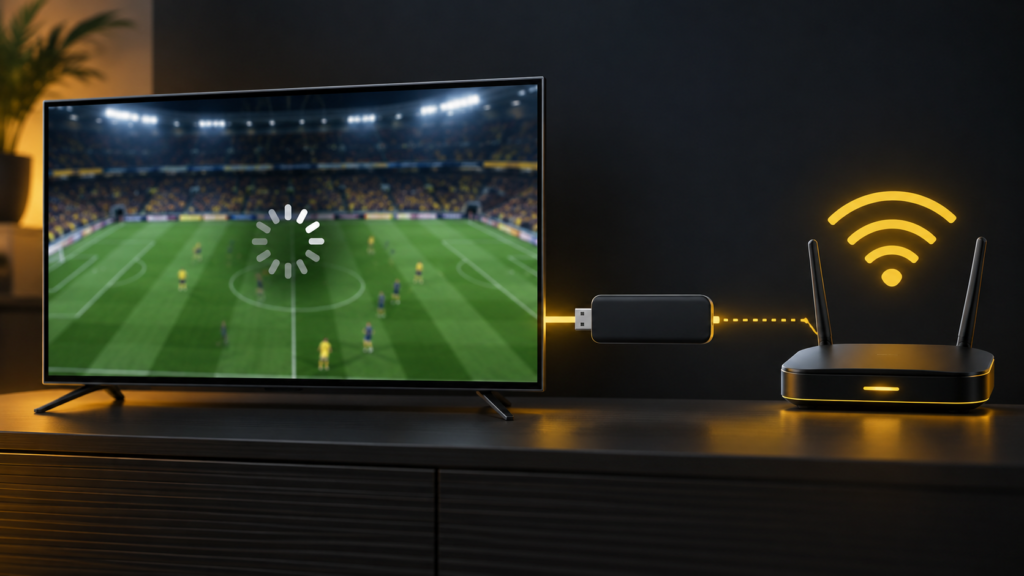
 Buffering during a football match is frustrating, but it does not identify the cause by itself. A weak Wi-Fi signal, a busy home connection, a stalled player app or a problem affecting one stream can look similar. Use the checks below in order and note what changes.
First, find out what is affected
Switch to another live channel for a minute. Then try a different streaming app on the same Fire TV Stick. If every app pauses or struggles to load, check the device or home network first. If one IPTV channel alone has trouble, note its name and the time and ask your provider to investigate that stream.
If your phone plays normally, remember it may have a different Wi-Fi signal or be using mobile data. Test both devices on the same home network before drawing a conclusion.
Check the Fire TV network connection
On Fire TV, open Settings → Network and use the network status or diagnostics tool if it is available on your model. Amazon says this tool can show whether the device is connected to the router and whether the router has internet access. Some models also offer a speed test. Follow any on-screen recommendation and compare the result with other devices in the same room. Amazon’s Fire TV network status guide explains what the tool checks.
Move the Fire TV Stick or router if the signal is weak. An Ethernet connection may help on a compatible model with a suitable adapter. If several devices are buffering, restart the router according to its manufacturer’s instructions and check whether your internet service has an outage.
Restart the Fire TV Stick and app
Close and reopen the player app. If the problem continues, restart the Fire TV Stick from its settings. You can also unplug its power adapter for a minute and reconnect it. Amazon lists restarting, checking for software updates and clearing app cache among its app troubleshooting steps. See Amazon’s app guidance.
Clear the player app’s cache if it is still unresponsive. Be careful with Clear Data or reinstalling: you may need to sign in or set up the player again. Keep your activation details available and ask support first if you are unsure which app you use.
Check whether the issue happens at a particular time
Try the same channel at a different time, and check a second channel during your usual evening viewing period. Record the date, UK time, app name, device model and what happened. This helps support distinguish a repeatable channel issue from a device or connection problem. Do not post your playlist address, password or account details in public comments.
Before changing your plan
A faster subscription or a different player will not automatically solve a weak Wi-Fi connection. Work through one check at a time. If a channel keeps buffering while your other apps and channels work, send the details to our support team.
If you are considering a subscription, request a 24-hour test on WhatsApp and check playback on your own Fire TV Stick at the times you normally watch. You can then compare our plans with a clearer idea of what works for you.