
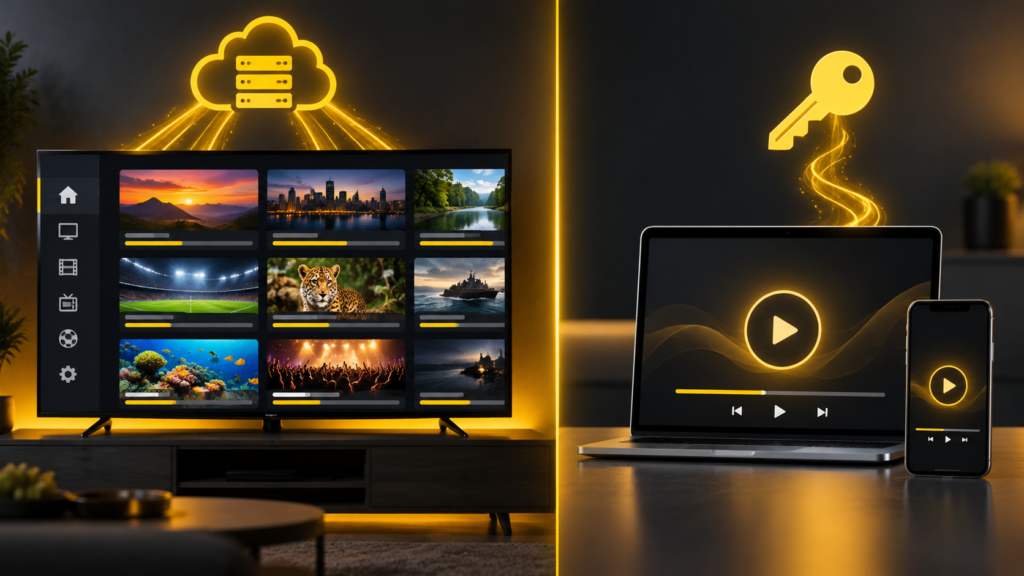
An IPTV subscription and a player app activation are two different things. The subscription gives you access to the service you choose; the app is the software you use to watch it on a compatible device. Some player apps need a separate licence after their trial period. Knowing the difference helps you check what is included before you pay.
What does the IPTV subscription provide?
The subscription is your arrangement with the service provider. It covers the plan duration and the access details needed to use the service. Channel availability, TV guide data, catch-up and the number of simultaneous connections depend on the plan and the service. Check the details that matter to you rather than assuming every feature works on every channel or device.
A subscription does not automatically pay for every third-party player app. The television, streaming stick and internet connection are separate too.
What is a player app activation?
A player app displays and plays the service on your device. If that app has a trial and then requires payment, its activation unlocks the app for the licence period. It does not create an IPTV subscription or add channels by itself. For example, the IBO Player licence store says its media player does not include playlists or content.
App names can look similar, and licences may differ by app, device and duration. Confirm the exact app shown on your TV or streaming device before arranging an activation. Do not assume a licence can be moved to another device.
What is included with IPTV Xtream Player?
Our one-year Diamond Pack currently lists Player App Activation Included. We confirm the eligible app with you before activation. This offer does not mean that every paid player app is included. The shorter plan cards do not list an included app activation, so ask us if your preferred app needs a separate licence.
Before choosing the Diamond Pack, ask which app will be activated for your device, how long its activation lasts, and whether there are device-specific conditions. Keep the agreed details with your order confirmation.
Use the 24-hour test to check your setup
Start with the device you actually intend to use. During the 24-hour test on WhatsApp, ask which compatible player to use and whether its own trial or activation is separate. Check the channels you want, playback at your usual viewing time, picture and sound, and the TV guide. Our IPTV trial checklist walks through these checks.
Questions to ask before paying
- Which subscription plan and duration am I choosing?
- Which exact player app works on my device?
- Is app activation included in this plan? If so, which app and for how long?
- How many devices can I use at the same time?
- What should I do if the app activates but the service does not load?
- What are the support and refund terms?
The simple answer
An app licence lets you use a particular player. An IPTV subscription provides the service details you load into a compatible player. Our one-year Diamond Pack includes activation of an eligible player app, with the exact app confirmed before you order. If you are unsure about your device or plan, contact us before paying.